
Browser version
Chrome 100 or above and Safari 15 or above handle all live-table streams and crash-game graphics. Earlier versions may load text but skip animations.
4uviz runs cleanly through your mobile browser — no install needed to reach live tables, Aviator, or the cricket sportsbook. Open your account and the full lobby loads right where you are, on any screen, where local law and eligible regions permit.
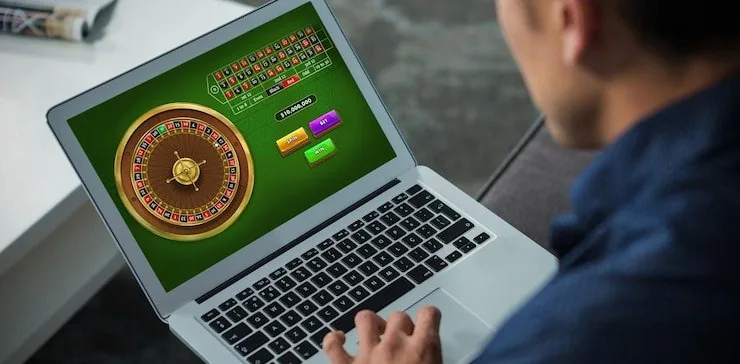
These four features shape the day-to-day mobile experience on 4uviz — each one built around the habit patterns of Pakistan's mobile-first account holders. Log back in fast, stay in the game longer.
Most current Android and iOS handsets open the 4uviz mobile lobby without any configuration. The checklist below covers the key requirements. If your device does not meet one of these points, account access may still work at a reduced feature level — check in-app settings or contact support to confirm your specific device.
Chrome 100 or above and Safari 15 or above handle all live-table streams and crash-game graphics. Earlier versions may load text but skip animations.
The lobby is designed for screens from 5 inches upward. Landscape orientation unlocks the full live-table view for Evolution and Pragmatic Play studios.

A verified 4uviz account is needed before wallet features and deposit shortcuts activate. Verification steps are shown inside your account dashboard.
Getting the 4uviz mobile experience running takes less than a minute. There is no APK file to sideload and no app-store listing to search for — the full lobby lives in your browser. Step one: open 4uviz in Chrome or Safari on your phone. Step two: check that your browser is up to date; older browser versions may not render live-table streams
or crash-game animations correctly. Step three: log in with your credentials or use fingerprint if your device supports it, and your account wallet, game history and deposit shortcuts are all right there. Bookmark the site or add it to your home screen so returning later is a single tap. Access depends on local law and is available where eligible.
The 4uviz mobile build is shaped around returning users. Once you have logged in once, your browser session remembers the flow — tap the address bar, land in the lobby within seconds. Push notifications alert you when a live cricket match market opens or when your withdrawal clears. Quick-deposit shortcuts let you send via JazzCash or Easypaisa without leaving the game screen.
Fingerprint login is available on supported Android and iOS devices, cutting the password step entirely. Aviator and Gates of Olympus load without lag on mid-range handsets. Pragmatic Play live tables stream at a lower data rate on the mobile layout, so a standard mobile connection handles them without buffering.
Real questions from Pakistan account holders about how mobile access works on 4uviz — covering login, device behaviour, deposits and what to do when something does not load.
Service availability depends on eligible regions and local law. Users should check local rules before opening an account.
Access may be available only where local law permits.